Navigating the Report Subscription Limit in Salesforce: A Guide to Workarounds

Salesforce users, we've all been there – the need to stay updated with multiple reports, but hitting a wall with the subscription limit. Currently, Salesforce allows users to subscribe to only 5 reports, which, let's face it, is like having a library card that only lets you borrow 5 books at a time. While Salesforce is working on increasing this limit, with a temporary bump to 7 and plans for a more robust solution in the Winter '24 release, we're still in a bit of a pickle. So, what do we do until then?
Creative Workarounds to Keep You Informed
1. Consolidate Reports: If some of your reports share common data points, try merging them into a single report. This way, you're maximizing the value of each subscription slot.
2. Leverage Dashboard Subscriptions: Dashboards can be your best friend here. You can subscribe to a dashboard that contains multiple report components.
3. Utilize Third-Party Tools: Sometimes, you need to look outside the box, or in this case, outside of Salesforce. There are several third-party tools available that can help you bypass this limitation, such as ReportWatch.
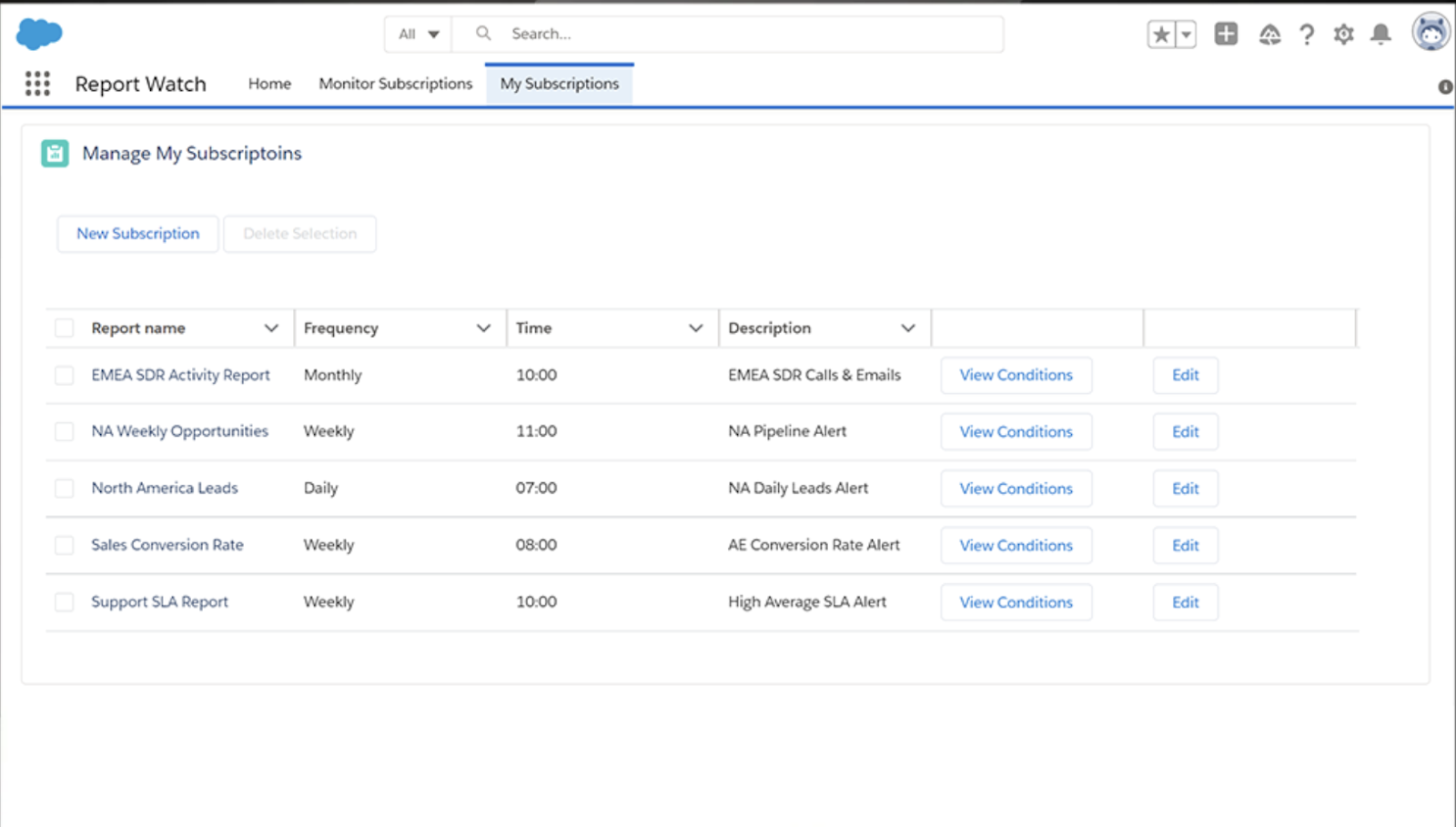
4. Scheduled Report Exports: Set up scheduled exports of your reports. This is a bit like setting your coffee machine the night before; you wake up to fresh reports in your inbox!
SOLVD: Your Partner in Salesforce Solutions
Feeling a bit overwhelmed? Don't worry, SOLVD is here to help. As a dedicated Salesforce consulting firm, we specialize in providing cost-effective solutions to challenges just like this. Check out our website at SOLVD for more insights and assistance.
Until Salesforce rolls out its full solution, these workarounds should help you stay on top of your reporting needs. Remember, limitations are just opportunities for creative solutions. And if you need a bit more guidance, SOLVD is always here to help you navigate these challenges.